Key Takeaways
Shopify POS is best for ecommerce-first businesses needing seamless omnichannel integration.
Square is ideal for small businesses, retail shops, and restaurants needing simple POS setup.
Shopify Payments works best inside Shopify’s ecosystem, while Square offers more standalone flexibility.
Square is stronger for hospitality and in-person workflows.
Shopify scales better for growing brands with online + offline sales.
There is no native Shopify–Square integration — using both adds complexity.
The right choice depends on whether your business is online-first or retail-first.
Shopify POS vs Square: Key Differences
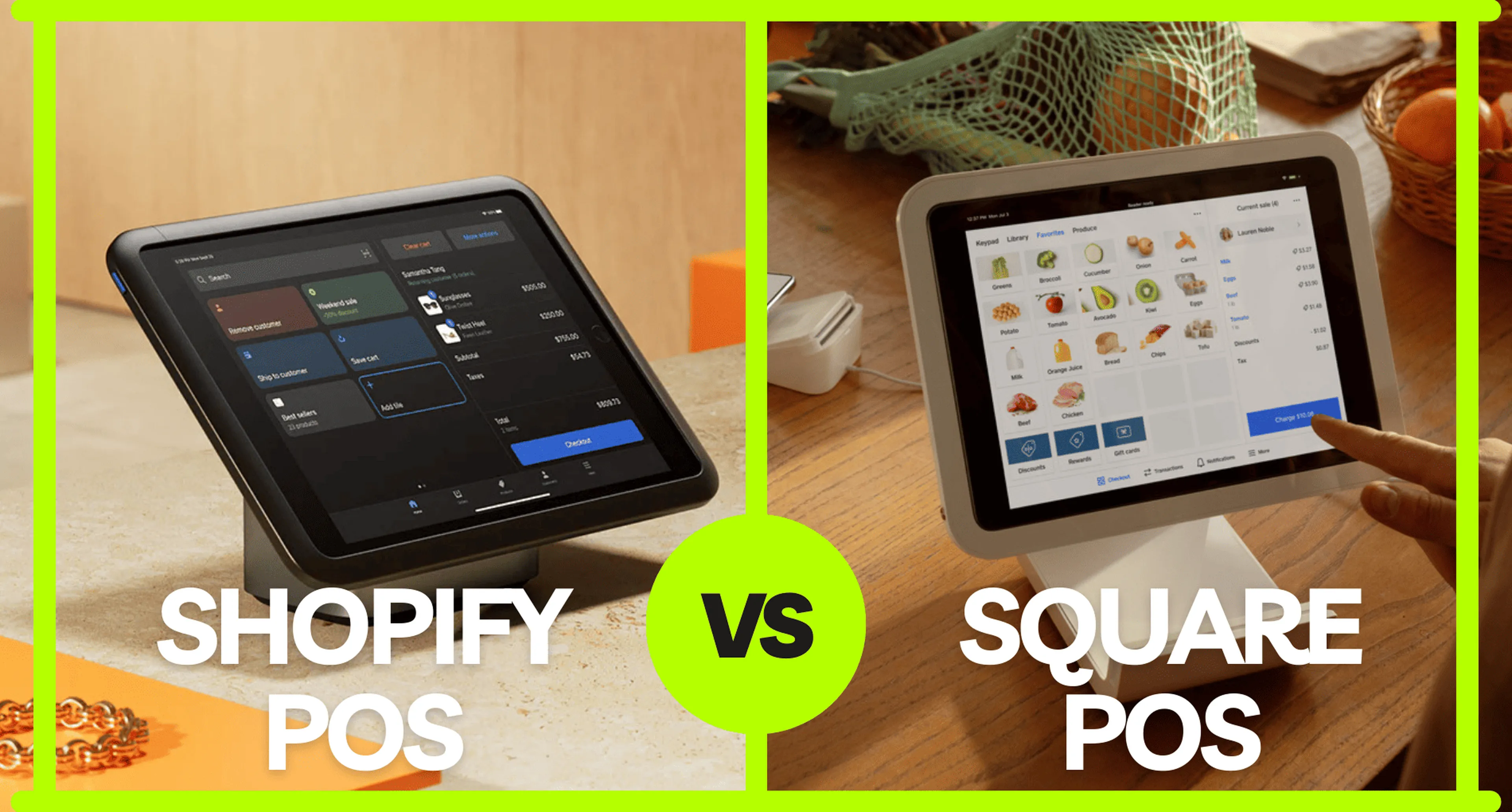
Shopify POS is best for ecommerce-first businesses that want seamless online and in-store integration, while Square is better for simple, in-person retail with easy setup and lower upfront costs.
Shopify POS and Square might look similar at first—they both help businesses take payments, manage inventory, and track sales. But they each have a different focus and are designed for different needs.
Shopify POS is great for businesses that want to sell both online and in person. It’s perfect for eCommerce businesses that are expanding into physical retail stores. If you’re looking for a system that connects your online and offline sales seamlessly, Shopify POS is a solid choice.
Square, on the other hand, is a simple, all-in-one solution that works well for businesses of any size. It’s a good fit for small shops or service-based businesses. Square is especially appealing if you want easy-to-understand pricing and hardware that’s quick to set up.
Shopify vs Square: Quick Summary for Busy Merchants
Shopify is best for ecommerce-first brands, while Square is better for simple retail setups with minimal complexity.
If you don’t have time to read the full breakdown:
Choose Shopify POS if:
You already use Shopify
You sell online + offline
You want one unified system
Choose Square if:
You run a physical store, café, or service business
You want a free or low-cost POS
You need fast setup with minimal configuration
👉 Core difference:
Shopify = ecommerce-first → POS extension
Square = POS-first → ecommerce add-on
What Is Shopify POS?
Shopify POS is a point-of-sale system that integrates directly with Shopify’s ecommerce platform, allowing businesses to manage online and in-person sales in one unified system.
Easy Integration with Shopify: Perfect for businesses already using a Shopify store.
Omnichannel Tools: Connect your online and in-store operations for a smooth customer experience.
Flexible Options: Choose Shopify POS Lite, included for free with any Shopify plan, or upgrade to Shopify POS Pro for advanced features like detailed reports and staff management.
Shopify POS is ideal for retail businesses that want to combine the benefits of eCommerce with physical store sales. It helps you stay connected to customers wherever they shop.
What Is Square POS?
Square POS is an all-in-one point-of-sale system designed for simplicity, offering payment processing, hardware, and basic business tools with minimal setup.
Square’s POS system is one of the easiest payment solutions for startups and small businesses to use. It started as a simple credit card reader but has grown into a full POS system with features like payment processing, inventory management, and marketing tools.
No Monthly Fees for Basic POS: The free plan is a great option for small businesses just starting out.
Flexible Hardware Options: Whether you need a mobile credit card reader or a stylish terminal, Square has you covered.
Fits Many Business Types: Perfect for restaurants, retail shops, and service providers.
Square is a great choice for small business owners who need a simple, affordable, and easy-to-use POS system with no long-term commitments.
Shopify POS vs Square: A Detailed Comparison
Shopify POS and Square differ across pricing, features, hardware, and scalability, making each better suited to different types of businesses.
1. Pricing and Fees
| Shopify POS | Square POS | |
|---|---|---|
| Software Cost | - Starter Plan: $5/month (includes 1 POS Lite location) - Retail Plan: $89/month (includes POS Pro features) | - Standard Plan: $0/month (free POS software) |
| Transaction Fees | - Online Transactions: 2.9% + 30¢ per transaction; - In-Person Transactions: 2.6% + 10¢ per transaction; - Third-Party Payment Providers: Additional 2% fee | - Card-Present Transactions: 2.6% + 15¢ per transaction; - Card-Not-Present Transactions: 2.9% + 30¢ per transaction; - Keyed-In Transactions: 3.5% + 15¢ per transaction |
| Additional Fees | - POS Pro Add-On: $89/month per location for advanced features | - Custom Rates: Available for businesses processing over $250K annually |
📌 Key Takeaway: Square has a lower cost for small businesses, but Shopify is better integrated with eCommerce.
2. Hardware and Compatibility
Shopify POS Hardware
| Hardware | Description | Price |
|---|---|---|
| POS Terminal Countertop Kit | A complete, wired solution ideal for countertop sales. This kit includes the POS Terminal but does not include a tablet. | $459 |
| Tap & Chip Card Reader | A versatile card reader designed for accepting tap and chip payments both at the counter and on the go. | $49 |
| Tap to Pay on iPhone | Enables merchants to accept contactless payments directly using a compatible iPhone, eliminating the need for additional hardware. | Free |
| Tap to Pay on Android | Allows merchants to accept contactless payments using a compatible Android device without additional hardware. | Free |
Square POS Hardware
| Hardware | Description | Price |
|---|---|---|
| Square Register | An all-in-one point-of-sale system featuring a seller display and a detachable customer-facing display. It includes an embedded payment system that accepts tap, dip, and swipe transactions. | $799 |
| Square Stand | A stand that transforms an iPad into a complete point-of-sale system with built-in payments and an intuitive checkout process, eliminating the need for separate card readers. | $149 |
| Square Terminal | A portable, all-in-one device that allows businesses to accept payments, print receipts, and more, offering mobility and flexibility in sales operations. | $299 |
| Square Reader for Contactless and Chip | A compact reader that connects wirelessly to devices, enabling acceptance of chip cards and contactless payments like Apple Pay and Google Pay. | $59 |
| Square Reader for Magstripe | A small, portable reader that plugs into a phone or tablet, allowing businesses to accept swipe card payments on the go. The first reader is free; additional readers can be purchased as needed. | Free¹ |
¹The first Square Reader for Magstripe is free; subsequent readers may incur a cost.
📌 Key Takeaway: Shopify has a strong mobile-first approach, while Square offers an all-in-one standalone solution.
3. Features and Functionality
| Feature | Shopify POS | Square POS |
|---|---|---|
| Inventory Management | Multi-channel syncing, low stock alerts | Basic inventory tracking, advanced features with Square for Retail |
| Customer Profiles | Integrated CRM, order history | Basic customer profiles, loyalty program add-ons |
| eCommerce Integration | Seamless Shopify store connection | Syncs with Square Online store |
| Reporting & Analytics | Advanced reports in POS Pro | Basic reports, advanced with Square for Retail |
| Multi-Location Support | Yes (with POS Pro) | Yes (with paid plans) |
📌 Key Takeaway: Shopify is ideal for eCommerce-first businesses, while Square is better for in-person retail.
Shopify Ecommerce vs Square Online Store
Shopify offers a more advanced ecommerce platform than Square Online, with better scalability, customisation, and app ecosystem.
Shopify = full ecommerce platform
Square = simple online store add-on
4. Ease of Use & Setup
| Shopify POS | Square POS | |
|---|---|---|
| Setup Process | Requires Shopify account and store setup | Quick, standalone setup |
| User Interface | Customisable interface with apps | Simple and beginner-friendly |
| Learning Curve | Slightly more complex due to integrations | Easy to use for any business |
| Employee Management | Advanced role permissions (POS Pro) | Employee access control available |
📌 Key Takeaway: Square is easier for beginners, while Shopify is better for businesses needing advanced customisations.
5. Payment Processing & Payout Speed
| Shopify POS | Square POS | |
|---|---|---|
| Accepted Payments | Credit/Debit, Apple Pay, Google Pay, BNPL | Credit/Debit, Apple Pay, Google Pay, BNPL |
| Payout Speed | 1-3 business days (Shopify Payments) | Next-day deposits (Instant available for fee) |
| Fraud & Dispute Tools | Chargeback management tools | Fraud prevention and chargeback protection |
📌 Key Takeaway: Square offers faster payouts, while Shopify provides strong fraud management tools.
6. Scalability & Best for Different Businesses
| Business Type | Best Choice |
|---|---|
| Small Retail Stores | Square (affordable & easy to use) |
| Online-First Brands | Shopify (seamless eCommerce integration) |
| Multi-Location Retail | Shopify POS Pro (advanced features) |
| Restaurants & Food Businesses | Square (dedicated restaurant POS) |
| High-Volume Sales | Both offer custom pricing |
📌 Key Takeaway: Shopify is better for eCommerce-based businesses, while Square is great for brick-and-mortar stores.
Shopify POS vs Square for Restaurants
Square is generally better for restaurants due to built-in hospitality features, while Shopify POS is better suited to retail-focused businesses.
Square has:
Table management
Split bills
Kitchen display systems
Shopify POS:
No native restaurant system
Requires apps or workarounds
👉 If you run a café, bar, or restaurant → Square wins.
Shopify POS vs Square for Retail Stores
Shopify POS is stronger for retail businesses that sell both online and offline, while Square is better for simple, in-store retail setups.
Shopify:
Strong omnichannel (inventory sync, online orders, pickup)
Better for scaling brands
Square:
Simpler POS
Good for small shops or single locations
Shopify POS vs Square: Pros & Cons
Shopify POS offers stronger ecommerce integration, while Square provides simplicity and lower upfront costs, making each ideal for different business stages.
| Shopify POS | Square POS | |
|---|---|---|
| Pros: | - Best-in-class omnichannel features; - Seamless integration with Shopify’s eCommerce tools; - Advanced reporting and customisation. | - No monthly fees for the basic POS plan; - Extensive hardware options; - Easy to use and set up; - Compact and portable card reader. |
| Cons: | - Higher initial costs; - Not the best option for non-Shopify businesses. | - Limited advanced features in free plans; - Omnichannel features are less robust than Shopify. |
Can I Use Square POS with Shopify?
Shopify and Square cannot be directly connected natively, but integration is possible through third-party tools or manual workflows.
Options:
Third-party connectors (e.g. SKU IQ, Zapier)
Manual syncing (inefficient)
Running separate systems (common but messy)
💡 Most businesses eventually choose one system to avoid operational friction.
Shopify POS Alternatives (When Neither Is Right)
If neither Shopify POS nor Square fits your needs, alternatives like Lightspeed, Vend, or Clover may offer better industry-specific features.
Consider alternatives if:
You need advanced inventory → Lightspeed
You want hybrid retail systems → Vend
You need enterprise POS → Clover
Shopify POS vs Square: Which One Should You Choose?
If you already use Shopify for your online store → Shopify POS is the best option for seamless integration.
If you're a small business looking for a simple, cost-effective in-person POS, Square is the way to go.
If you need advanced retail features like multi-location support and staff management → Shopify POS Pro.
If you want faster payouts and built-in POS hardware, Square is the better fit.
💡 Pro Tip: Consider a trial of each POS system to see which works best for your business!
Both Shopify POS and Square are reliable tools that can help improve your business operations. Take some time to think about what your business needs most to find the best fit.